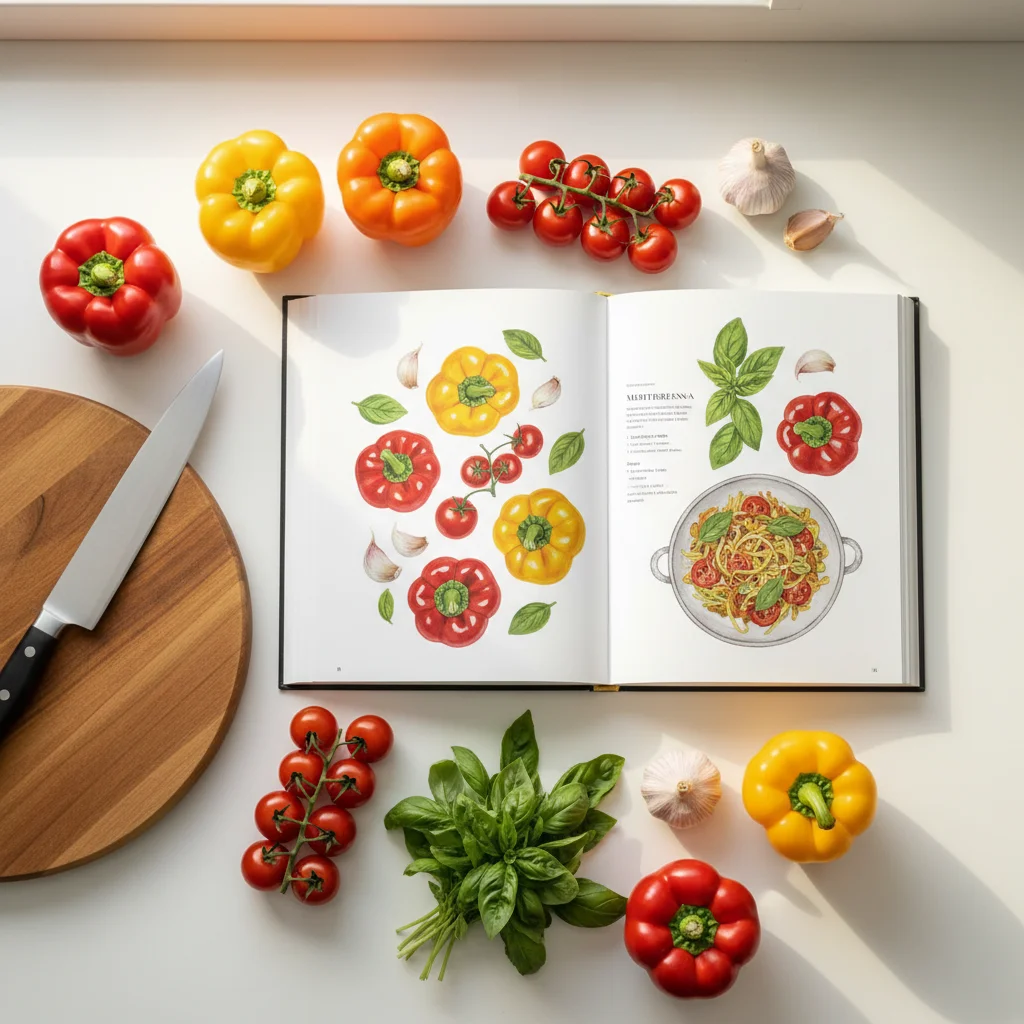
All Your Recipes in One Place: 4 Ways to Build Your Personal Cookbook
You have recipes everywhere.
The chicken soup your mom texts you every winter. A pasta recipe bookmarked on your phone from two years ago. That cookie recipe you ripped out of a magazine and stuck to the fridge. A stir-fry you screenshot from a friend's Instagram story. Half a dozen tabs open in your browser right now that you swear you'll get to someday.
They're yours. You found them, saved them, or they were passed down to you. But when it's time to actually cook, you can't find any of them.
PlanShopChop gives you one place to put them all — and four different ways to get them there.
1. Paste a Link
If you've got a recipe bookmarked or saved in a browser tab, copy the URL and paste it into PlanShopChop. AI reads the page and extracts the title, ingredients, steps, cook time, and photo into a clean, structured recipe in your library. Takes about 10 seconds.
This is the fastest way to clear out that graveyard of bookmarked recipes you've been meaning to try. One by one, paste them in. Now they're organized, searchable, and ready to add to a meal plan.
2. Snap a Photo
Got a recipe card from your grandmother? A page in a cookbook you keep coming back to? A clipping taped inside a kitchen cabinet?
Take a photo and upload it. AI reads the image — handwritten or printed — and turns it into a digital recipe with ingredients and steps separated out. It handles most handwriting well, and you can edit anything it doesn't get perfect.
This is the one that saves family recipes. That stained index card your aunt wrote in 1987 becomes a permanent, searchable recipe you can cook from anytime — and pass along to anyone.
3. Paste Text
Sometimes a recipe comes to you as plain text. A friend sends it in a message. You copy it from a PDF. Someone emails you their go-to weeknight dinner.
Paste the text into PlanShopChop and AI parses it into a structured recipe — ingredients in one section, steps in another, everything clean and organized. No reformatting by hand.
4. Create with Chef
Sometimes you don't have a recipe at all. You just know what you want.
PlanShopChop's built-in AI assistant, Chef, lets you describe a meal in plain language: "a simple chicken curry for two" or "something with the zucchini I need to use up." Chef creates a complete recipe — ingredients, steps, and a photo. You can refine it through conversation until it's exactly what you want, then save it to your library like any other recipe.
This is great for those nights when you know what's in the fridge but don't have a plan for it.
What Changes When Everything Is in One Place
The real benefit isn't just organization. It's what happens next.
You actually meal plan. When all your recipes are in one searchable library, picking five dinners for the week takes a couple of minutes instead of 20 minutes of searching through bookmarks and screenshots.
Your shopping list writes itself. Add recipes to your weekly plan and PlanShopChop generates a consolidated grocery list — ingredients combined across recipes, organized by store section. No duplicates, no guessing.
Cooking gets calmer. Open any recipe in Chop mode and cook step by step. Ingredient amounts are built into each step. No scrolling through a blog post to find where the instructions start.
Recipes improve over time. Use Chef to adjust servings, swap ingredients, or tweak a recipe after you've cooked it. Your library becomes a living cookbook that evolves with your cooking.
Start With Five
You don't need to import your entire collection on day one. Start with five recipes — the ones you actually cook most often. Get them into PlanShopChop, plan one week, and see how it feels to have your recipes, your plan, and your shopping list all connected.
Keep Reading
- Stop Stressing About Dinner: How PlanShopChop Makes Home Cooking Easy — The nightly dinner panic is fixable. Here's how.
- 5 Meal Prep Strategies That Actually Work — Once your recipes are organized, meal prep becomes simple.
- Stop Wasting Food: How Meal Planning Cuts Your Grocery Waste in Half — Plan across recipes and stop throwing away groceries.
Try It Free for 5 Days
Start your free trial and bring your scattered recipes home. Paste a link, snap a photo, drop in some text, or just tell Chef what you're craving. Your personal cookbook starts now.